How to Stop Your Inbox Eating the Day as an ADHD Freelancer
You open the inbox to check one thing. Twenty minutes later you have read nine messages, answered none of them properly, remembered a task you have now forgotten again, and lost the thread of the work you were doing. By the afternoon there is an email you know you must reply to, sitting there getting heavier by the hour.
Email is unusually hostile to an ADHD brain. Every message is a small decision, most of them are boring, they arrive constantly, and reading one feels productive enough to justify doing it instead of the actual work. Here is a system with almost no maintenance, built to fail gracefully on the days you ignore it.
Read only when you can act
The most expensive email habit is opening a message you cannot do anything about right now. You read it, your brain files it as handled, and the reply never happens. So do not open the inbox between tasks or on your phone in a queue. Open it when you have twenty minutes and the ability to actually respond.
Two windows a day, both after your good hours
Pick two slots, something like late morning and late afternoon, and keep email inside them. Your sharpest hours belong to billable work, not to other people's requests. Two checks a day is fast enough for every normal client, and it stops the inbox from being a background process running all day in your head.
Tell clients if you like: a line in your email signature about when you respond sets the expectation before anyone has to ask.
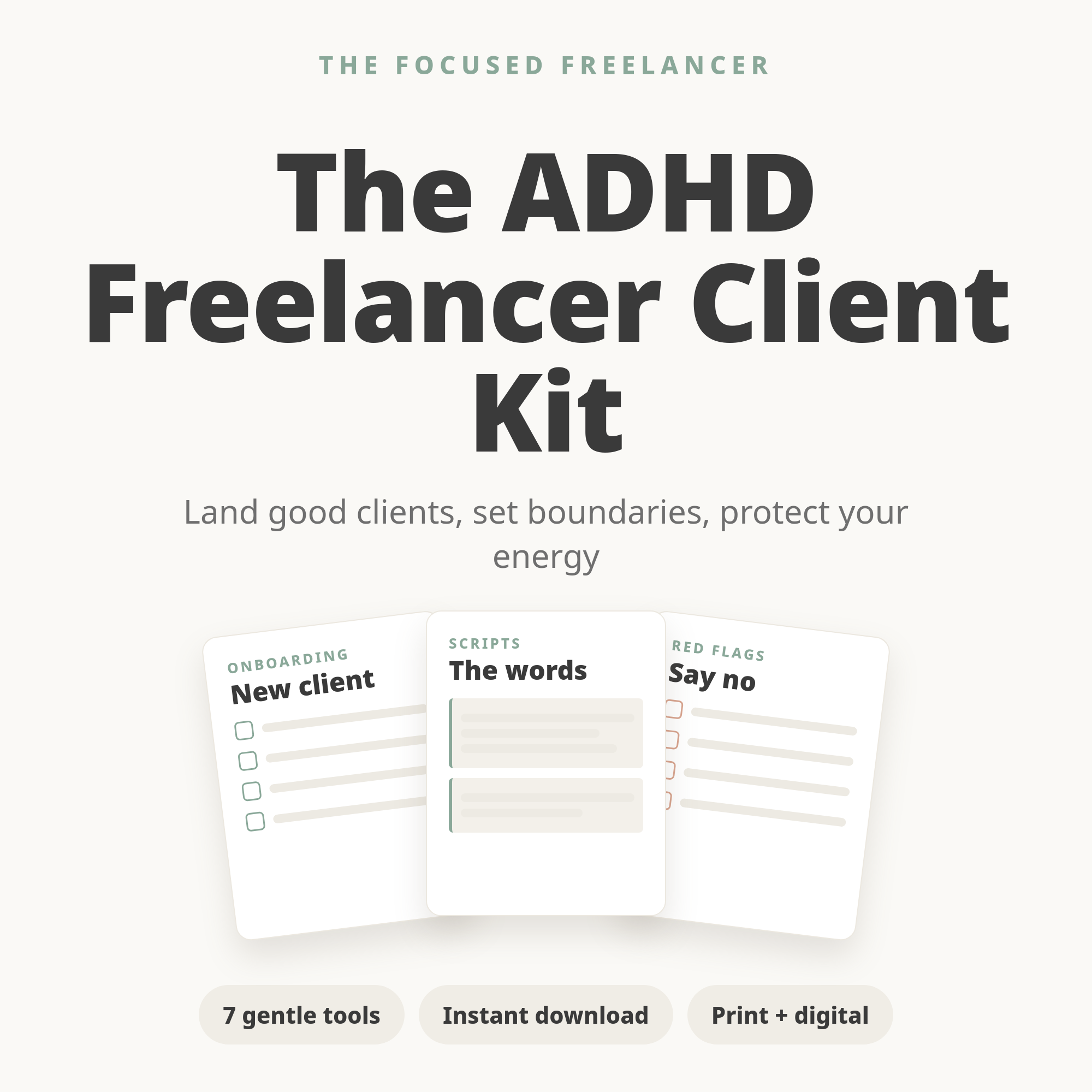
Tired of writing the same emails over and over? The Client Kit includes ready-made templates for onboarding, check-ins, chasing payment, and saying no, so most of your inbox becomes copy, paste, send.
Handle each message once, four ways
When you open a message, it leaves the inbox by one of four routes, decided immediately. Reply now if it takes under two minutes. Turn it into a task on your list if it needs real work, then archive it. Schedule it if it is for a specific day. Delete or archive if it needs nothing. What kills an ADHD inbox is the fifth route, leaving it there to think about later, because later is where messages go to become guilt.
Your inbox is not your to-do list
Using unread mail as a task list means your priorities are set by whoever emailed most recently, and that anything urgent is buried under newsletters. Pull the tasks out of the inbox and into the one list you actually look at. The inbox becomes a channel, not a workload.
Template everything you have written twice
Onboarding questions, project kick-off, the check-in, the invoice reminder, the polite no. If you have typed something similar twice, it should be a saved template. Every template removes a small decision, and small decisions are what drain an ADHD brain far more than large ones. Most freelance email is variations on eight messages.
Kill the noise before it arrives
Spend twenty minutes once: unsubscribe from everything you do not read, filter receipts and notifications straight past the inbox, and turn off email alerts on your phone. Every message you never see is a decision you never make. This is the highest return twenty minutes in this entire article.
Have a plan for the email you are avoiding
There is usually one. The difficult client, the bad news, the invoice you have to chase. It will not decay on its own, and while it sits there it makes the whole inbox feel radioactive. Handle it first in your next email window, use a template so you are not composing under stress, and keep it short. The dread is nearly always bigger than the message.
Declare inbox bankruptcy when you need to
If there are eleven hundred unread messages and the sight of it makes you close the tab, archive all of it. Everything older than two weeks, gone from view, still searchable if it matters. Anything genuinely important will come back. Starting from zero is worth more than the tiny chance that message four hundred needed you.
The takeaway
You do not need inbox zero or a folder taxonomy. You need fewer decisions: two windows a day, one pass per message, tasks moved to a real list, templates for the repeats, and ruthless filtering of everything else. Build that and email goes back to being a tool you use, instead of the reason another workday disappeared.
Make client admin boring again. The Client Kit hands you the templates and scripts for the messages that keep eating your day, plus onboarding questions and a red-flag checklist to stop problems earlier.